Presentation design help is hard to judge from the outside. Most portfolios look polished, and many websites promise the same things. The real differences show up later: in the files you get back and in how the project runs.
This guide compares your four options, shows you how to read a portfolio, and lists the questions to ask and the red flags to watch for. We're a presentation design studio ourselves, so we have a view, but there are no rankings here and no names.
Your four options: agency, freelancer, in-house, AI
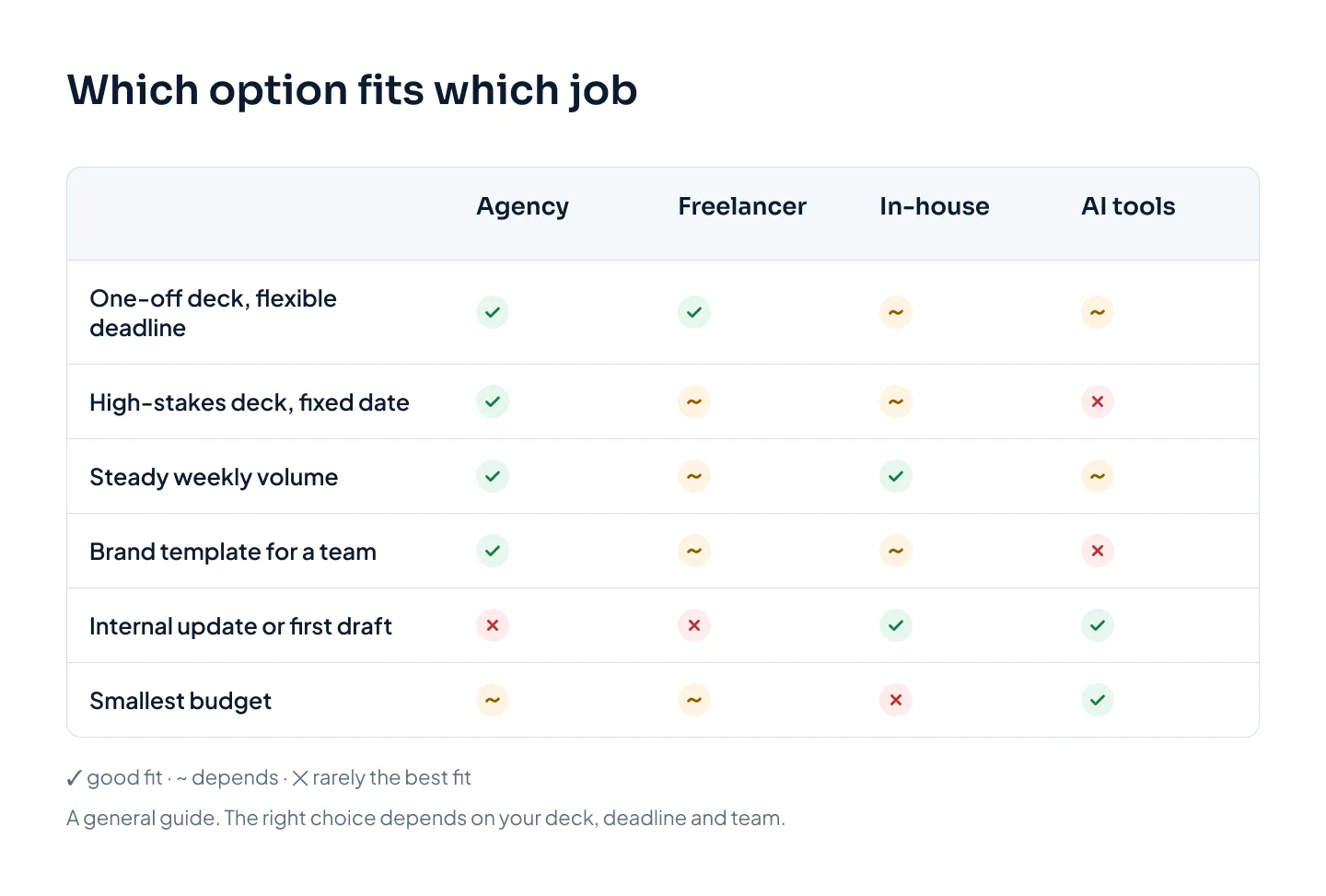
Each option is the right answer for someone. The trick is matching it to the deck in front of you, and to how many decks you'll need this year. Here is the short version before the detail.
A presentation design agency
An agency gives you a team: several designers, usually someone managing the project, and a review step before work reaches you.
Good at: capacity, consistency across many decks, cover when someone is sick or on vacation, and a set process for briefs, revisions and delivery. Agencies also suit bigger jobs, like a brand template system.
Watch for: less direct contact with the person designing, and quality that depends on who is assigned. Prices vary widely, from lean studios to premium storytelling agencies. Our guide to presentation design cost compares approximate ranges.
Fits when: the deck is high-stakes, the deadline is fixed, or you need several decks or a template.
A freelance presentation designer
A freelancer is one person you hire directly, often through a marketplace or a referral.
Good at: direct contact with the person doing the work, flexibility, and often good value. An experienced specialist can be as good as any agency.
Watch for: one person's calendar. Illness, a vacation or a bigger client can stall your deck. Quality varies widely, there is usually no second pair of eyes before you see the work, and vetting is your job.
Fits when: you have a one-off deck, a flexible deadline and time to check references.
An in-house designer
A designer on your payroll, sitting in your team.
Good at: knowing your brand and business deeply, fast small edits, and keeping every deck the company sends consistent.
Watch for: the cost of a full salary plus software and management time, and fixed capacity. One person's week doesn't stretch for a big launch. Not every graphic designer builds decks well, either: slide masters, native charts and presenter-ready files are a specialist skill.
Fits when: your team produces decks every week. Some teams pair an in-house designer with outside help for busy periods.
AI presentation tools
AI tools generate a full draft deck from a prompt or a document in minutes. Copilot in PowerPoint can do the same for Microsoft 365 customers.
Good at: speed, low cost and getting a structure out of your head. For internal updates and first drafts they are often all you need.
Watch for: sameness, because many outputs use the same layout systems. Exported files often have fixed text boxes, images or layouts that are harder to edit than a natively built deck. Story, data slides and brand fit still need human judgment. Check what a tool does with your files before you upload anything confidential.
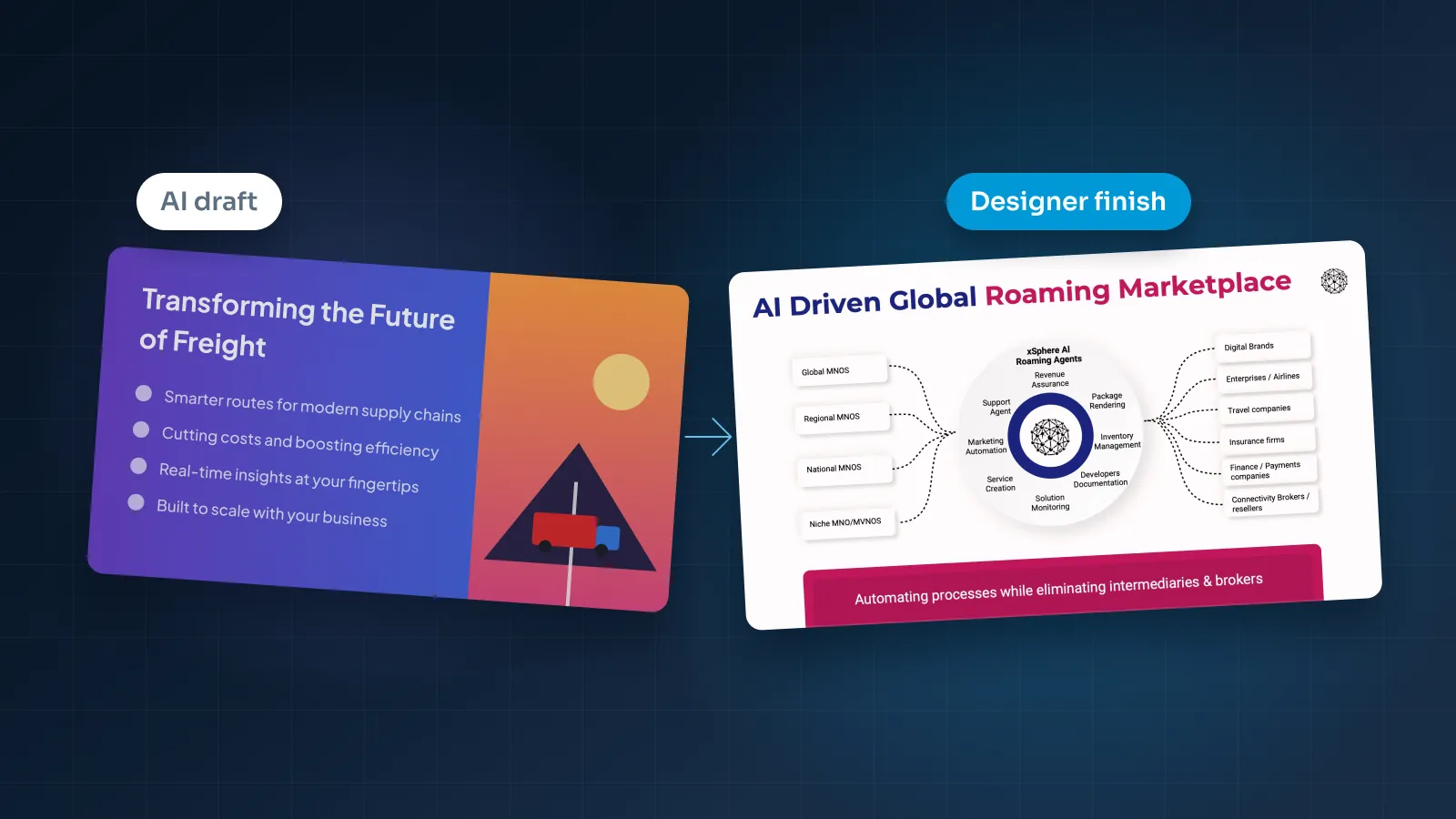
Fits when: the deck is internal, low-stakes or a starting point. Some studios, ours included, will take an AI draft and design from there. Our comparison of AI presentation makers and designers goes deeper.
How the options compare
Here is how the four options stack up on the six things buyers usually weigh.
| Criterion | Agency | Freelancer | In-house | AI tools |
|---|---|---|---|---|
| Cost | Low to high, by agency type | Low to mid, by experience | Salary, software, management time | Lowest |
| Speed | Days; rush often available | Days; depends on one calendar | Fast, if they're free | Minutes for a draft |
| Quality consistency | Steady with a review step | Varies by person | High once they know the brand | Similar-looking output |
| Capacity | A team; handles peaks | One person | One person's week | Unlimited drafts |
| Brand control | Good with a clear brief | Good with a clear brief | Highest | Limited to the tool's layouts |
| Main risk | Not knowing who does the work | Availability | Single point of failure | Weak story, hard-to-edit files |
No option wins every row. The useful question is which row matters most for this deck.
If you're weighing a presentation design agency against a freelancer, capacity and risk usually decide it. A freelancer you trust is hard to beat for a single deck with room in the schedule. When the date can't move, or ten decks need to look like one company made them, a team is safer.
If you're deciding whether to outsource presentation design or hire, count the decks. A steady weekly flow can justify a salary. A few big decks a quarter usually can't.
How to judge a portfolio
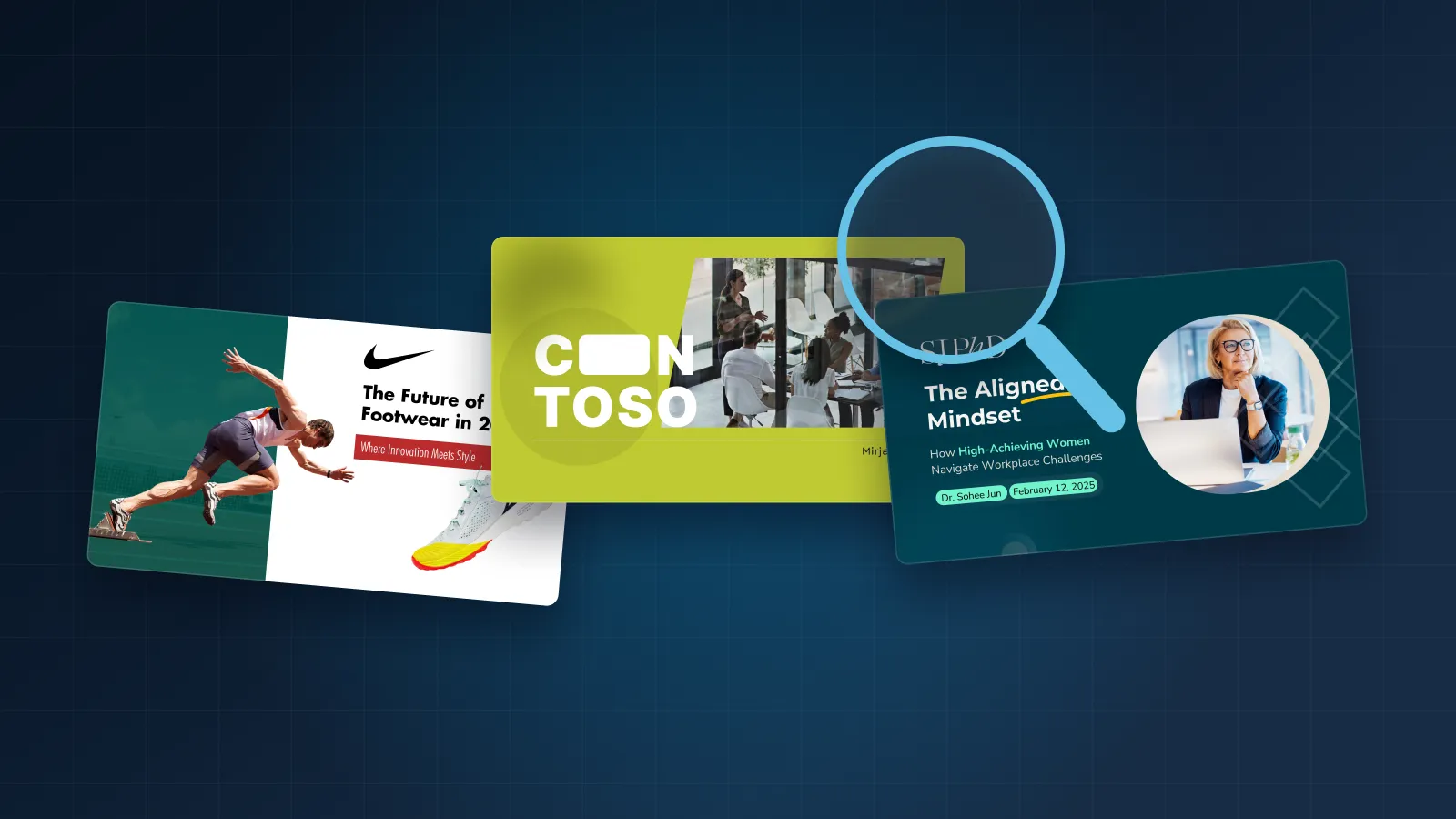
A portfolio shows a designer's best day. Your job is to find out what they will do with your deck. Look for six things:
- Full decks, not hero slides. A single polished cover is a fine first look, but it is not a deck. Ask to see a full deck similar to yours, from title slide to appendix.
- Native, editable files. Ask for a sample file or a screen share. Click a headline: it should be live text, not a picture. Click a chart: in PowerPoint, a native chart opens its data in an embedded Excel sheet. Open the Slide Master: real layouts mean your team can add slides that match.
- Data slides. Charts, tables and financials are the hardest slides to design. A portfolio of covers and section dividers tells you little about how your numbers will look.
- Before and after. Your content won't arrive polished. A before-and-after shows what the designer does with raw material.
- Range. Look across several brands. If every deck looks like the designer's own style, yours will too.
- Work like yours. Pitch decks, sales decks, board decks, keynotes and templates are different jobs. Look for the type you need.
Many decks are confidential, so some of the strongest work can't go on a public website. A good agency will say so and offer another way to see it, such as a private walkthrough.
Case studies help most when they explain what the deck had to do and how it was built. Our Welltech Ventures investor deck, for example, is an investor deck for a wellness fund, built from market research with native PowerPoint charts. Run the same checks on our portfolio of presentation work as on anyone else's.
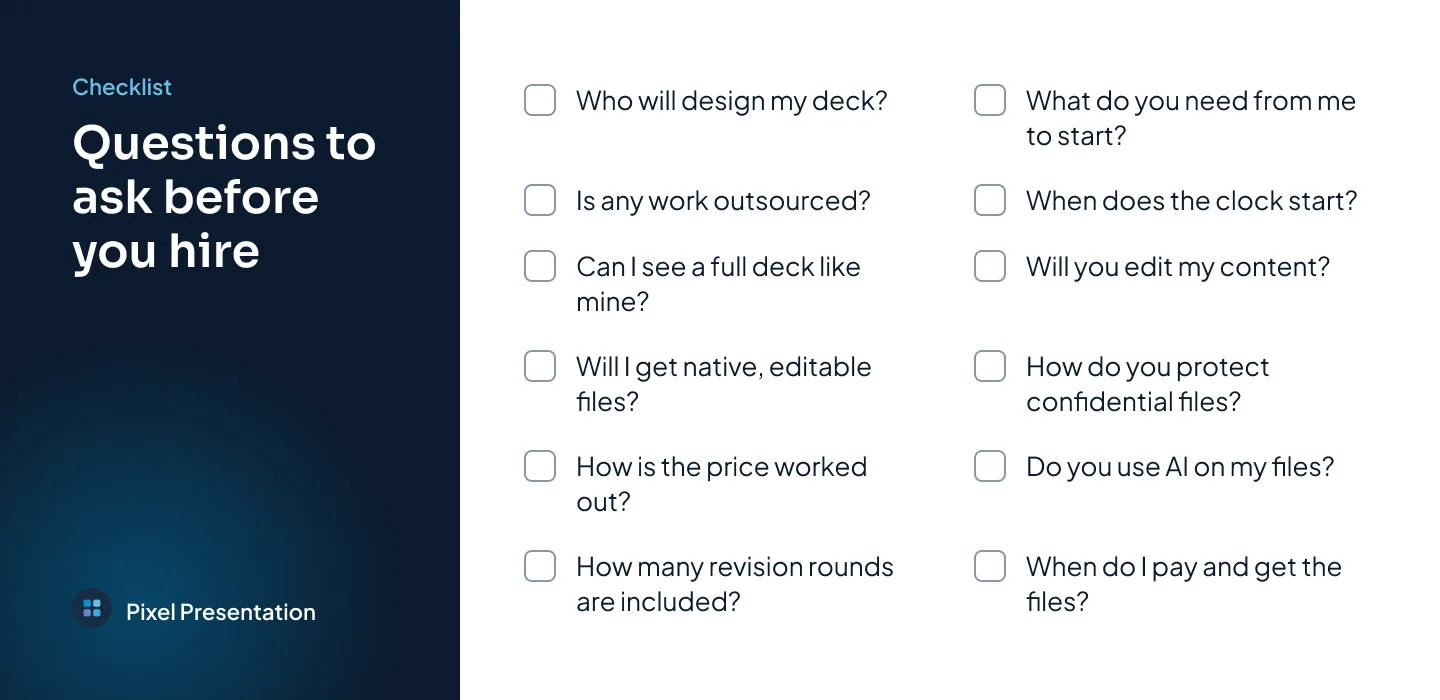
Questions to ask before you hire
Ask these on the first call or by email. The answers matter, and so does how quickly and clearly they come back.
- Who will design my deck? You want a named designer or a small named team.
- Is any of the work outsourced or subcontracted? You should know who sees your files.
- Can I see a full deck similar to mine? Not highlights: the whole thing, data slides included.
- Will I get native, editable files? In PowerPoint, Google Slides or Keynote, with live text and real charts, plus a PDF.
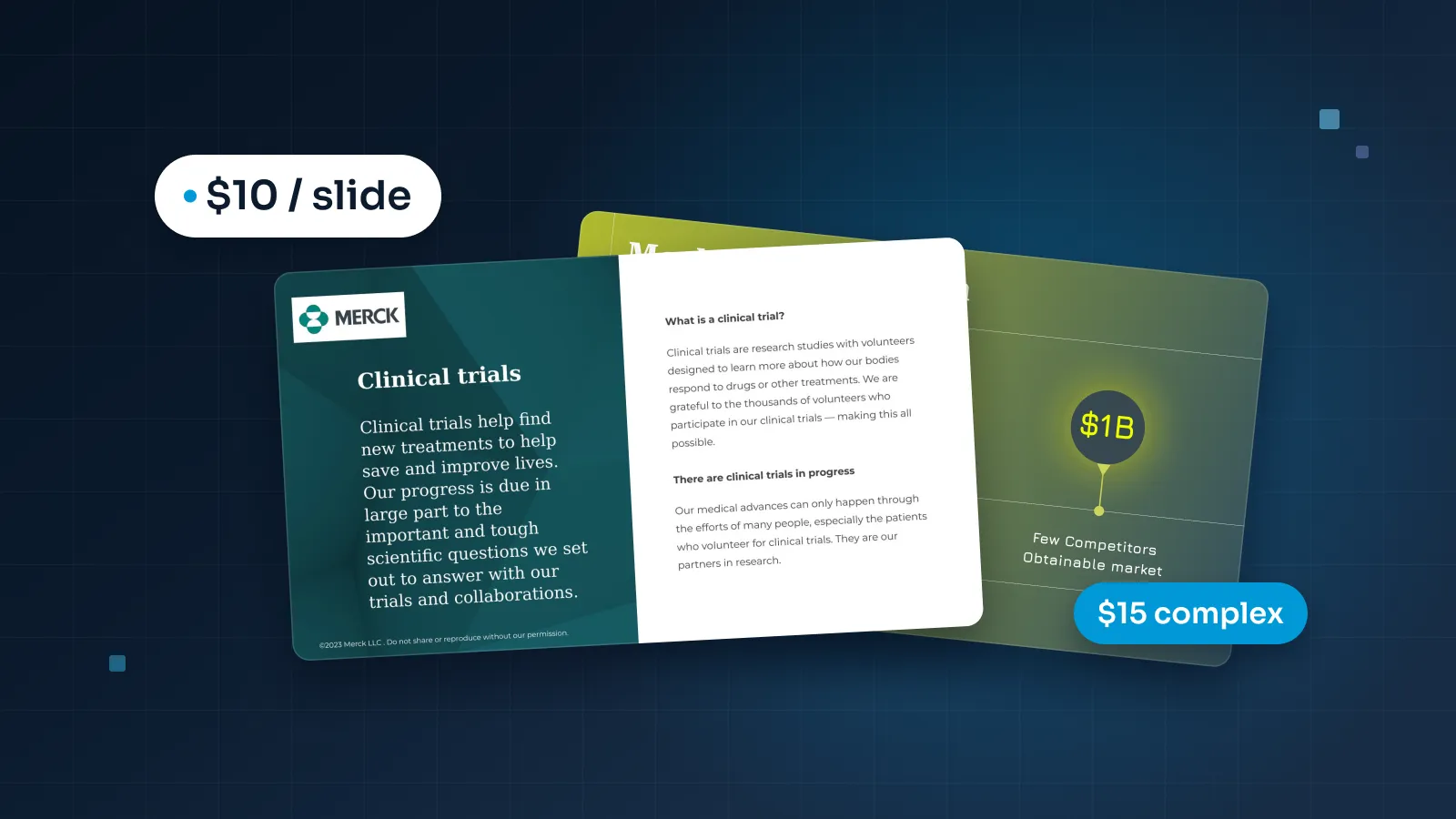
- How is the price worked out? Per slide or per project, and what counts as a complex slide.
- How many revision rounds are included? And what an extra round costs.
- What do you need from me to start? A good answer mentions the brief, your content, brand files and the deadline.
- How long will my deck take, and when does the clock start? Ask about rush delivery if your date is tight.
- Will you edit my content? Find out whether they restructure the story, polish copy or keep every word, and whether they ask before changing anything.
- How do you handle confidential material? Ask about NDAs, file access and secure transfer before you send anything.
- Do you use AI, and what happens to my files? You want a plain answer about which steps use AI and whether your files are used for training.
- When do I pay, and when do I get the editable files? Know the payment terms and the handover before work starts.
Red flags
None of these on its own means walk away. Two or three together usually do.
- A price with no scope. No slide count, no revision rounds, no list of what's included.
- Only covers and hero slides. And no way to see a full deck, even privately.
- Flattened files. Slides delivered as images or as a PDF only, so your team can't edit a word.
- No questions about your audience. If they jump straight to "send us the slides", expect a generic deck.
- Vague revision terms. "As many as you need" sounds generous. Ask how feedback is collected and when the project ends.
- Rewriting without asking. Your numbers and claims should never change without your sign-off.
- Nobody can say who does the work. This matters most when your files are confidential.
- Every portfolio deck looks the same. Your brand will end up looking like theirs.
- Slow, unclear replies before you've signed. It rarely gets better after.
A good provider shows you the whole process before you send a single slide.
What a good process looks like
Whoever you hire, the project should follow a shape you can see in advance:
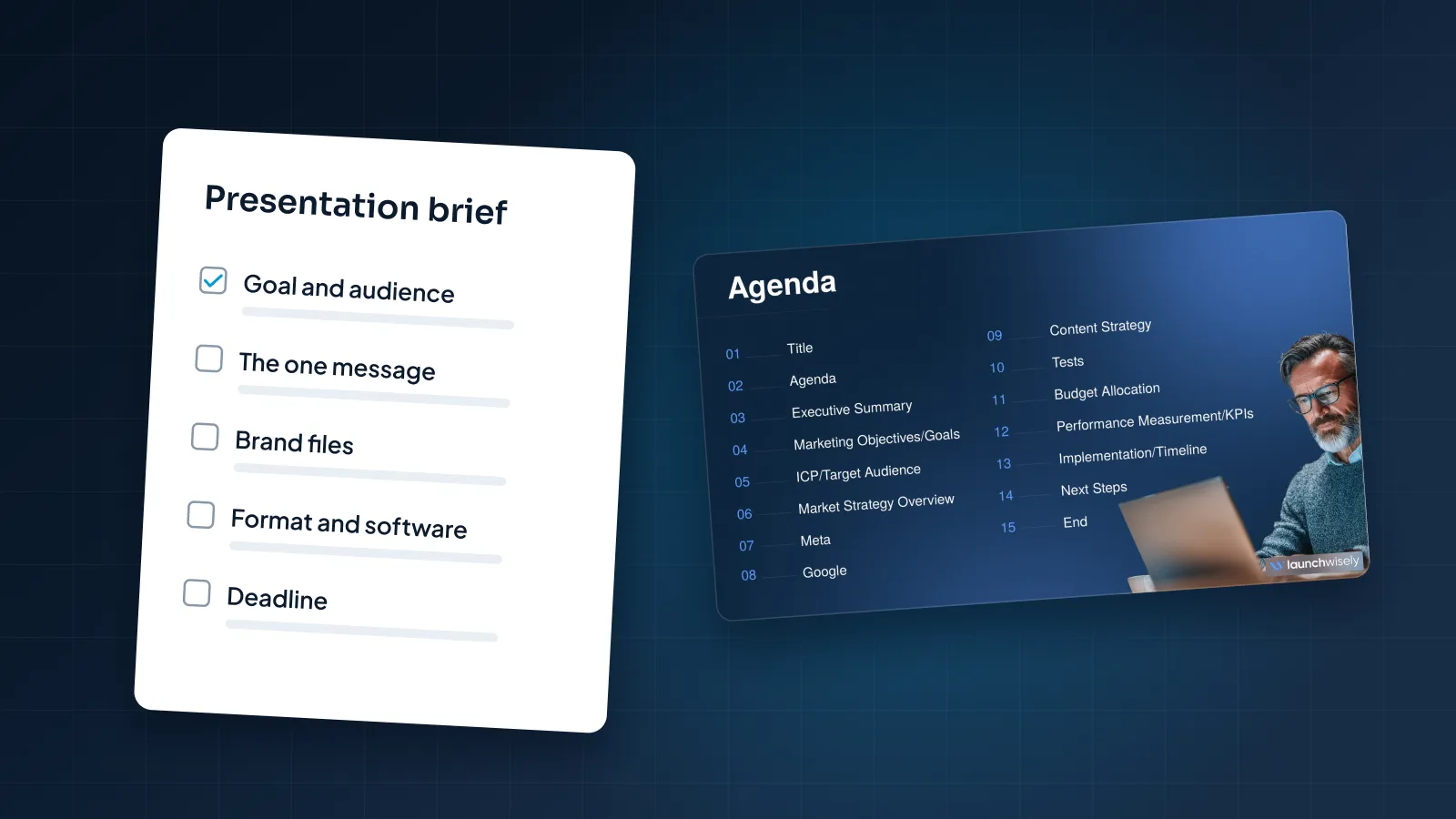
- Brief. Goal, audience, the one message, content, brand files, software and deadline. Our guide on how to brief a presentation designer includes a free template.
- Scope and price. You see the slide count, any complex slides, the delivery date and the total before you commit.
- Design. The designer builds the deck, restructuring and tightening copy only as agreed.
- Internal QA. Someone checks fonts, alignment, spelling, data and links before you see a slide.
- Review rounds. A set number of rounds, with your feedback consolidated into one list per round.
- Handover. Native, editable files plus a PDF, with fonts handled and master layouts your team can build on. Here is what that handover includes for PowerPoint presentation design.
- After delivery. A window for small fixes, so a typo found the night before isn't a new project.